
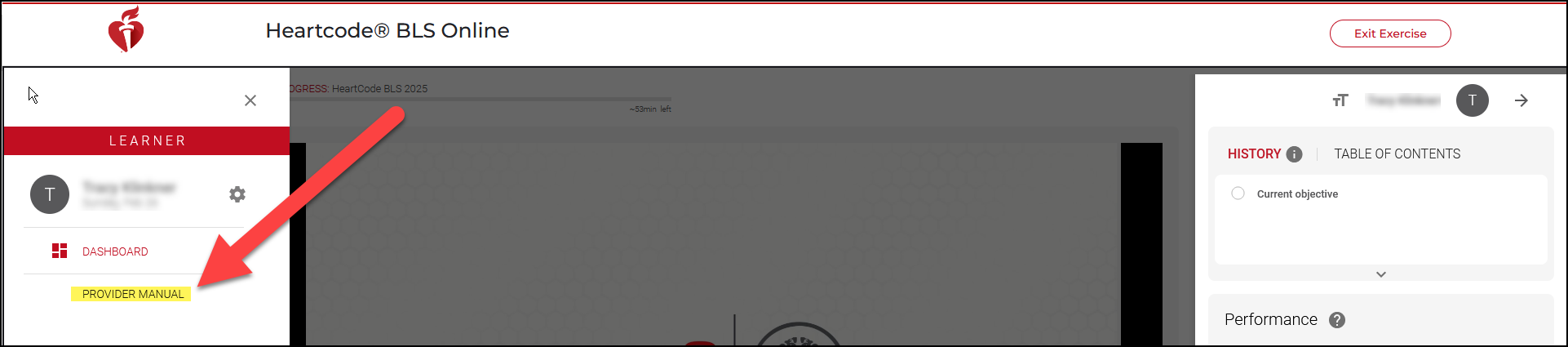
To get to the BLS student manual (which is also known as the provider manual), go back to the HeartCode BLS course. Click on the menu on the top of the left side. (please note this is only for the HeartCode BLS course, not the instructor course).

Then the Provider Manual will appear. Click on the link.
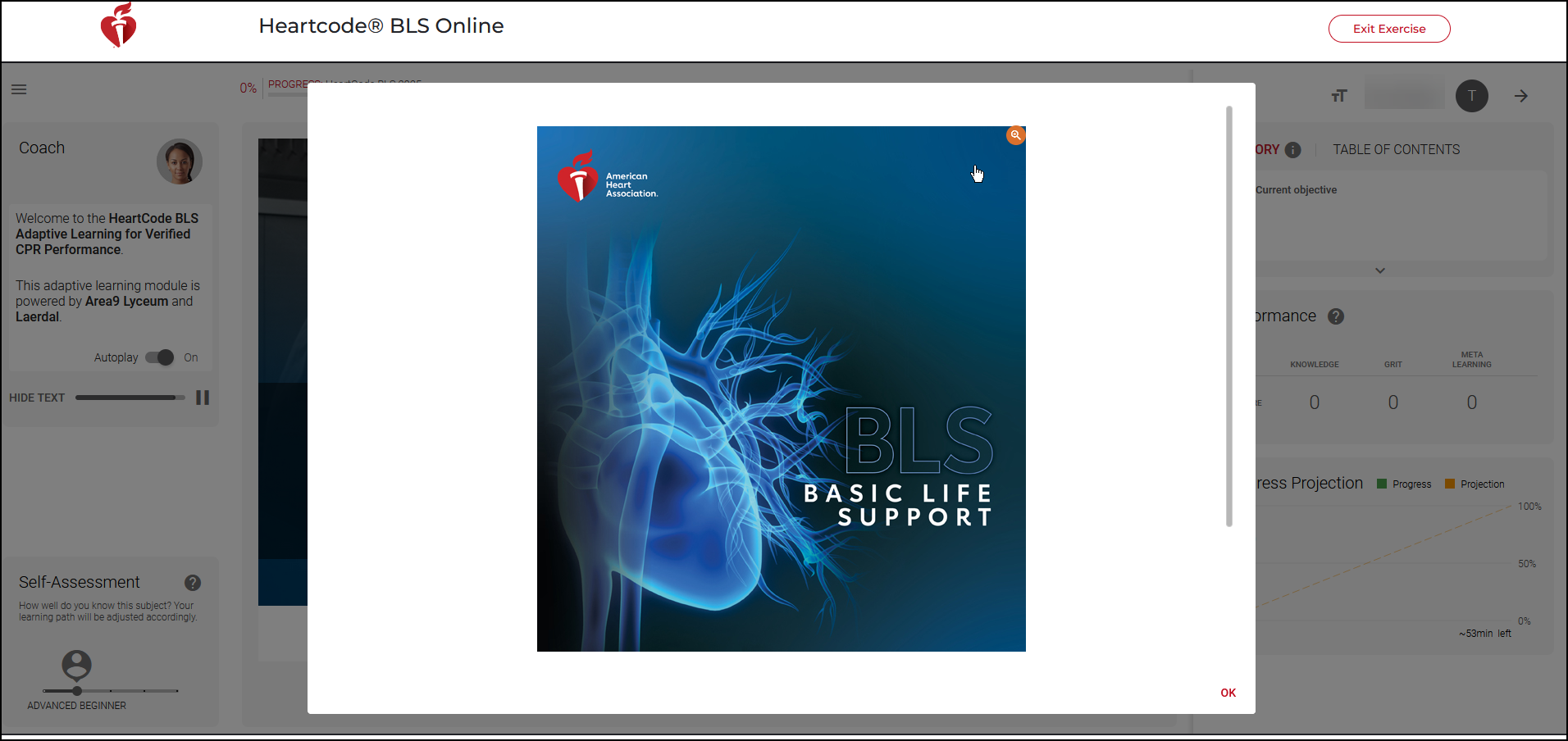
Then click on the picture and the manual will open in a separate tab